Stefan Đokić
A quick word from me
This issue isn't sponsored - I write these deep dives in my free time and keep them free for everyone. If your company sells AI tools, dev tools, courses, or services that .NET developers would actually use, sponsoring an issue is the most direct way to reach them.
Want to reach thousands of .NET developers? Sponsor TheCodeMan →The Undo Button That's Impossible to Build
Your document editor supports text insertion, deletion, formatting, and image placement. Users want undo. Reasonable request.
But there's no clean way to reverse an operation unless you know what it was. You can't just "undo" — you need to know whether the last action was an insert, a delete, a format change, or an image placement. And you need the exact parameters to reverse it.
Without a unified model for operations, undo becomes a tangled mess of special cases:
public void Undo(){ switch (_lastAction) { case "insert": _document.RemoveText(_lastPosition, _lastText.Length); break; case "delete": _document.InsertText(_lastPosition, _lastDeletedText); break; case "format": _document.ApplyFormat(_lastRange, _previousFormat); break; // Every new feature needs a new undo case... }}
What about undoing the last 5 actions? Or redoing after an undo? This approach collapses.
The Problem: Operations Are Invisible
When you call document.InsertText(position, text) directly, the operation is gone the moment it completes. There's no record of what happened, no way to replay it, queue it, or reverse it.
Direct method calls are fire-and-forget. That's fine for simple CRUD. But for anything that needs history, queuing, or reversal, you need operations to be first-class citizens.
Enter the Command Pattern
The Command pattern turns an operation into an object. The object contains everything needed to execute the operation — and optionally, everything needed to undo it.
Building It in .NET
Define a command interface with execute and undo:
public interface ICommand{ void Execute(); void Undo(); string Description { get; }}
Implement concrete commands for document operations:
public class InsertTextCommand : ICommand{ private readonly Document _document; private readonly int _position; private readonly string _text; public string Description => $"Insert '{_text}' at position {_position}"; public InsertTextCommand(Document document, int position, string text) { _document = document; _position = position; _text = text; } public void Execute() => _document.InsertText(_position, _text); public void Undo() => _document.RemoveText(_position, _text.Length);} public class DeleteTextCommand : ICommand{ private readonly Document _document; private readonly int _position; private readonly int _length; private string _deletedText = string.Empty; // Saved for undo public string Description => $"Delete {_length} chars at position {_position}"; public DeleteTextCommand(Document document, int position, int length) { _document = document; _position = position; _length = length; } public void Execute() { // Save what we're about to delete so we can restore it _deletedText = _document.GetText(_position, _length); _document.RemoveText(_position, _length); } public void Undo() => _document.InsertText(_position, _deletedText);} public class FormatTextCommand : ICommand{ private readonly Document _document; private readonly TextRange _range; private readonly TextFormat _newFormat; private TextFormat _previousFormat; // Saved for undo public string Description => $"Format text at {_range}"; public FormatTextCommand(Document document, TextRange range, TextFormat format) { _document = document; _range = range; _newFormat = format; } public void Execute() { _previousFormat = _document.GetFormat(_range); _document.ApplyFormat(_range, _newFormat); } public void Undo() => _document.ApplyFormat(_range, _previousFormat);}
Now build a command history manager:
public class CommandHistory{ private readonly Stack<ICommand> _undoStack = new(); private readonly Stack<ICommand> _redoStack = new(); public void Execute(ICommand command) { command.Execute(); _undoStack.Push(command); _redoStack.Clear(); // New action invalidates redo history } public void Undo() { if (_undoStack.Count == 0) return; var command = _undoStack.Pop(); command.Undo(); _redoStack.Push(command); } public void Redo() { if (_redoStack.Count == 0) return; var command = _redoStack.Pop(); command.Execute(); _undoStack.Push(command); } public IEnumerable<string> GetHistory() => _undoStack.Select(c => c.Description);}
Usage:
var history = new CommandHistory();var document = new Document(); // User actions become command objectshistory.Execute(new InsertTextCommand(document, 0, "Hello World"));history.Execute(new FormatTextCommand(document, new TextRange(0, 5), TextFormat.Bold));history.Execute(new DeleteTextCommand(document, 5, 6)); // Undo last three actionshistory.Undo(); // Restores " World"history.Undo(); // Removes boldhistory.Undo(); // Removes "Hello World" // Changed mind? Redo.history.Redo(); // Re-inserts "Hello World"
Why This Is Better
Operations are data. You can store them, serialize them, queue them, replay them. They're not ephemeral method calls anymore.
Undo/redo is trivial. Each command knows how to reverse itself. The history manager just manages the stacks.
New operations don't touch existing code. Add InsertImageCommand without modifying the history manager, the undo logic, or any other command.
Advanced Usage: Command Queue for Background Jobs
Commands can be queued and processed asynchronously:
public interface IAsyncCommand{ string Id { get; } Task ExecuteAsync(CancellationToken ct);} public class SendBulkEmailCommand : IAsyncCommand{ public string Id { get; } = Guid.NewGuid().ToString(); public List<string> Recipients { get; init; } = new(); public string Subject { get; init; } = string.Empty; public string Body { get; init; } = string.Empty; public async Task ExecuteAsync(CancellationToken ct) { foreach (var recipient in Recipients) { ct.ThrowIfCancellationRequested(); await EmailService.SendAsync(recipient, Subject, Body); } }} public class CommandQueue{ private readonly Channel<IAsyncCommand> _channel = Channel.CreateBounded<IAsyncCommand>(100); public async Task EnqueueAsync(IAsyncCommand command) { await _channel.Writer.WriteAsync(command); } public async Task ProcessAsync(CancellationToken ct) { await foreach (var command in _channel.Reader.ReadAllAsync(ct)) { try { await command.ExecuteAsync(ct); } catch (Exception ex) { // Log failed command with its full state for debugging Log.Error(ex, "Command {CommandId} failed: {Type}", command.Id, command.GetType().Name); } } }}
Commands are self-contained. If one fails, you have its full state for debugging or retry. You can serialize it and push it to a dead letter queue.
Advanced Usage: Macro Commands (Composite Commands)
Group multiple commands into a single undoable operation:
public class MacroCommand : ICommand{ private readonly List<ICommand> _commands; public string Description { get; } public MacroCommand(string description, params ICommand[] commands) { Description = description; _commands = commands.ToList(); } public void Execute() { foreach (var command in _commands) command.Execute(); } public void Undo() { // Undo in reverse order for (int i = _commands.Count - 1; i >= 0; i--) _commands[i].Undo(); }} // "Replace All" as a macro commandvar replaceAll = new MacroCommand("Replace all 'foo' with 'bar'", new DeleteTextCommand(document, 10, 3), new InsertTextCommand(document, 10, "bar"), new DeleteTextCommand(document, 50, 3), new InsertTextCommand(document, 50, "bar")); history.Execute(replaceAll); // One undo reverts everything
When NOT to Use It
Simple CRUD with no history requirements. If you just need to insert a record and never undo it, commands are overhead.
When operations aren't reversible. Sending an email can't be undone. Charging a credit card can only be refunded. If undo isn't feasible, the pattern's main benefit disappears (though queuing and logging still apply).
When direct calls are clearer. If you have 3 operations with no queuing, history, or undo needs, calling methods directly is simpler and easier to understand.
Key Takeaways
- The Command pattern turns operations into objects with Execute and Undo capabilities
- Perfect for undo/redo, command queues, audit logging, and macro operations
- Each command encapsulates its parameters and the state needed for reversal
- Macro commands compose multiple commands into a single undoable unit
- Skip it when operations are simple, non-reversible, and don't need queuing
FAQ
What is the Command pattern in simple terms?
The Command pattern wraps a request or operation as an object. The object contains everything needed to execute the operation — the method to call, the parameters, and optionally the data needed to undo it. This makes operations storable, queueable, and reversible.
When should I use the Command pattern?
When you need undo/redo functionality, command queuing, audit trails, or macro operations. It's essential in editors, workflow engines, and any system where operations need to be treated as data.
Is the Command pattern overkill?
For straightforward CRUD operations with no history or queuing needs, yes. The pattern adds a class per operation. It's worth it when the benefits of undo, replay, or queuing outweigh the added structure.
What are alternatives to the Command pattern?
Event sourcing captures every state change as an event and can replay or reverse them. The Memento pattern captures object state snapshots for undo. Simple method calls work when operations are fire-and-forget.
Wrapping Up
The Command pattern is the foundation of every undo system, command queue, and macro recorder you've ever used. When operations need to be more than just method calls — when they need identity, history, and reversibility — this is the pattern.
Start with the simplest version: Execute and Undo on a command object. Add queuing, serialization, and macros as the requirements demand.
That's all from me today.
P.S. Follow me on YouTube.
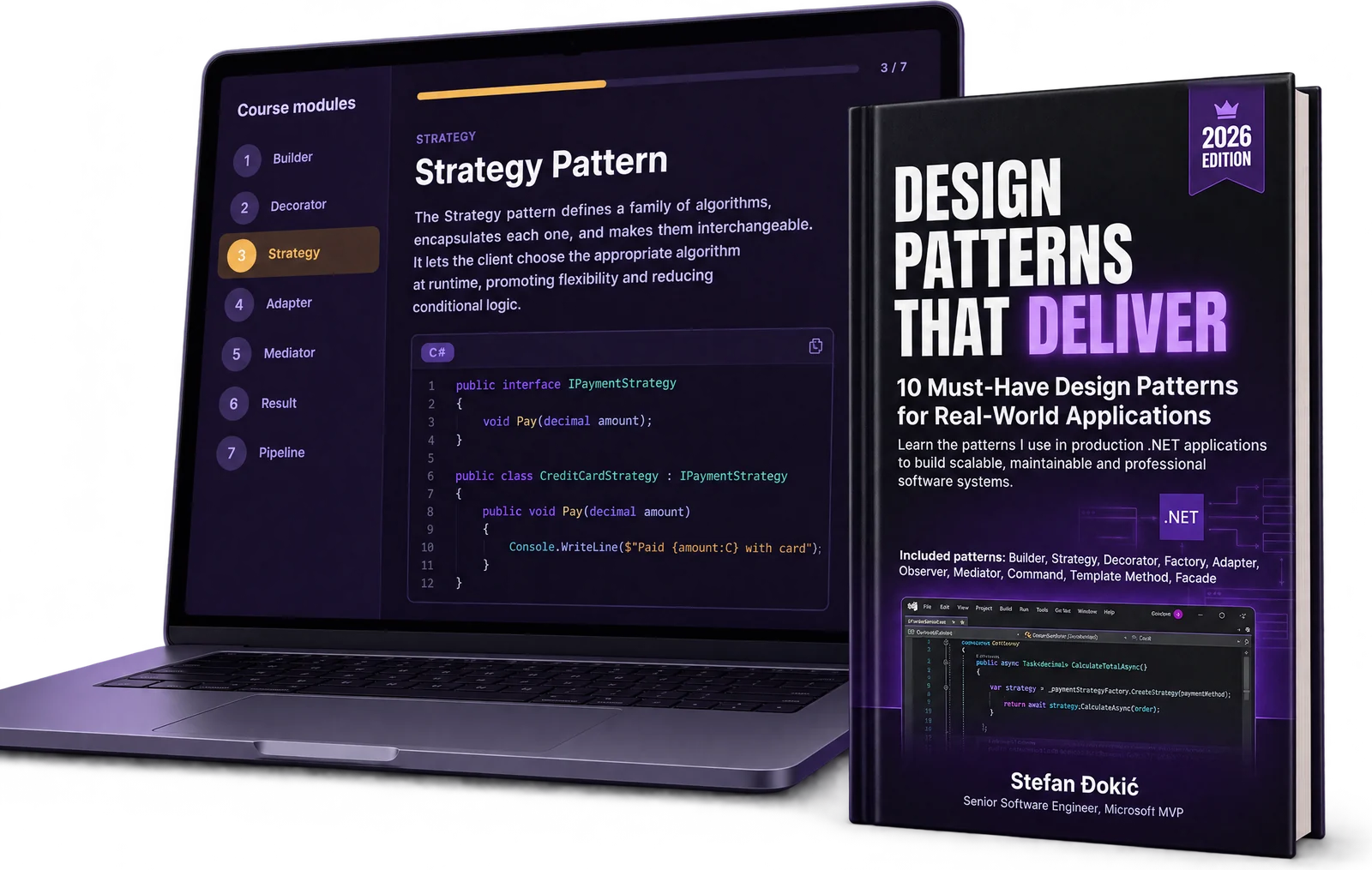
If you made it this far, you're clearly serious about writing better .NET code. Here's a 20% discount code: DEEP20 for Design Patterns that Deliver. Consider it a thank-you for actually reading the whole thing.
Here are 2 ebooks I have about design patterns:
Design Patterns that Deliver — 5 essential patterns (Builder, Decorator, Strategy, Adapter, Mediator) with production-ready C# code and real-world examples. Or try a free chapter on the Builder Pattern first.
Design Patterns Simplified — A beginner-friendly guide to understanding design patterns without the academic fluff.