Stefan Đokić
A quick word from me
This issue isn't sponsored - I write these deep dives in my free time and keep them free for everyone. If your company sells AI tools, dev tools, courses, or services that .NET developers would actually use, sponsoring an issue is the most direct way to reach them.
Want to reach thousands of .NET developers? Sponsor TheCodeMan →Seven Services Just to Place an Order
Your checkout flow touches seven services. Validate the cart. Check inventory. Calculate tax. Apply discounts. Process payment. Create the shipment. Send confirmation.
Every controller, background job, or integration that needs to "place an order" has to orchestrate all seven in the right order. Miss the tax calculation? You're undercharging. Skip inventory check? You're overselling.
One developer wrote the full flow in the API controller. Another wrote it in the queue consumer. A third wrote it for the admin panel. Three slightly different versions of the same workflow, each with subtle bugs.
This is not a code quality problem. It's a missing abstraction.
The Problem: Clients Exposed to Subsystem Complexity
Here's what every consumer has to deal with:
[HttpPost]public async Task<IActionResult> PlaceOrder(OrderRequest request){ // Every consumer repeats this orchestration var cart = await _cartService.ValidateAsync(request.CartId); if (!cart.IsValid) return BadRequest("Invalid cart"); var stock = await _inventoryService.CheckAvailabilityAsync(cart.Items); if (!stock.AllAvailable) return BadRequest("Items out of stock"); var tax = await _taxService.CalculateAsync(cart.Items, request.ShippingAddress); var discount = await _discountService.ApplyAsync(cart.Items, request.PromoCode); var total = cart.Subtotal + tax.Amount - discount.Amount; var payment = await _paymentService.ChargeAsync(request.PaymentMethod, total); if (!payment.Success) return BadRequest("Payment failed"); var shipment = await _shippingService.CreateShipmentAsync(cart.Items, request.ShippingAddress); await _notificationService.SendOrderConfirmationAsync(request.Email, shipment.TrackingNumber); return Ok(new { OrderId = payment.OrderId, TrackingNumber = shipment.TrackingNumber });}
Seven service injections. A specific execution order. Error handling at each step. And this exact sequence gets duplicated across every entry point that handles orders.
Enter the Facade Pattern
The Facade pattern provides a simplified interface to a complex subsystem. It doesn't hide the subsystem — it gives you a single entry point that handles the orchestration.
Think of it like a hotel front desk. You don't call housekeeping, room service, and maintenance separately. You call the front desk and they route everything.
Building It in .NET
Create one facade that encapsulates the full checkout workflow:
public interface ICheckoutFacade{ Task<CheckoutResult> PlaceOrderAsync(CheckoutRequest request);} public class CheckoutFacade : ICheckoutFacade{ private readonly ICartService _cart; private readonly IInventoryService _inventory; private readonly ITaxService _tax; private readonly IDiscountService _discount; private readonly IPaymentService _payment; private readonly IShippingService _shipping; private readonly INotificationService _notification; public CheckoutFacade( ICartService cart, IInventoryService inventory, ITaxService tax, IDiscountService discount, IPaymentService payment, IShippingService shipping, INotificationService notification) { _cart = cart; _inventory = inventory; _tax = tax; _discount = discount; _payment = payment; _shipping = shipping; _notification = notification; } public async Task<CheckoutResult> PlaceOrderAsync(CheckoutRequest request) { // Step 1: Validate cart var cart = await _cart.ValidateAsync(request.CartId); if (!cart.IsValid) return CheckoutResult.Failed("Invalid cart"); // Step 2: Check stock var stock = await _inventory.CheckAvailabilityAsync(cart.Items); if (!stock.AllAvailable) return CheckoutResult.Failed("Items out of stock"); // Step 3: Calculate final price var tax = await _tax.CalculateAsync(cart.Items, request.ShippingAddress); var discount = await _discount.ApplyAsync(cart.Items, request.PromoCode); var total = cart.Subtotal + tax.Amount - discount.Amount; // Step 4: Charge payment var payment = await _payment.ChargeAsync(request.PaymentMethod, total); if (!payment.Success) return CheckoutResult.Failed("Payment failed"); // Step 5: Ship and notify var shipment = await _shipping.CreateShipmentAsync( cart.Items, request.ShippingAddress); await _notification.SendOrderConfirmationAsync( request.Email, shipment.TrackingNumber); return CheckoutResult.Success(payment.OrderId, shipment.TrackingNumber); }}
Now every consumer is trivial:
[HttpPost]public async Task<IActionResult> PlaceOrder( OrderRequest request, [FromServices] ICheckoutFacade checkout){ var result = await checkout.PlaceOrderAsync(new CheckoutRequest { CartId = request.CartId, ShippingAddress = request.ShippingAddress, PaymentMethod = request.PaymentMethod, PromoCode = request.PromoCode, Email = request.Email }); return result.IsSuccess ? Ok(result) : BadRequest(result.Error);}
One dependency. One method call. The controller doesn't know how many services are involved.
Why This Is Better
Single source of truth. The checkout workflow exists in one place. Fix a bug once, fix it everywhere.
Consumers stay simple. Controllers, queue handlers, and integration endpoints inject only the facade. No seven-service constructors.
Subsystems can change independently. Replace the tax service with a new provider? Only the facade changes. All consumers keep working.
Advanced Usage: Facade for Third-Party Integrations
Facades shine when wrapping complex third-party SDK interactions:
public interface ICloudStorageFacade{ Task<string> UploadAsync(Stream file, string fileName, string contentType); Task<Stream> DownloadAsync(string fileId); Task DeleteAsync(string fileId); Task<string> GetShareableLinkAsync(string fileId, TimeSpan expiry);} public class AzureBlobFacade : ICloudStorageFacade{ private readonly BlobServiceClient _blobClient; private readonly string _containerName; public AzureBlobFacade(BlobServiceClient blobClient, IConfiguration config) { _blobClient = blobClient; _containerName = config["Storage:ContainerName"]!; } public async Task<string> UploadAsync(Stream file, string fileName, string contentType) { // Hide all the Azure-specific complexity var container = _blobClient.GetBlobContainerClient(_containerName); await container.CreateIfNotExistsAsync(); var blob = container.GetBlobClient(fileName); var headers = new BlobHttpHeaders { ContentType = contentType }; await blob.UploadAsync(file, new BlobUploadOptions { HttpHeaders = headers }); return blob.Uri.ToString(); } public async Task<string> GetShareableLinkAsync(string fileId, TimeSpan expiry) { var container = _blobClient.GetBlobContainerClient(_containerName); var blob = container.GetBlobClient(fileId); var sasUri = blob.GenerateSasUri( BlobSasPermissions.Read, DateTimeOffset.UtcNow.Add(expiry)); return sasUri.ToString(); } // ... Download and Delete implementations}
Switch from Azure to AWS? Create S3Facade. All consumers work unchanged because they depend on ICloudStorageFacade, not on any cloud SDK.
Advanced Usage: Facade With Transaction Coordination
When subsystem calls need to be atomic:
public class TransferFacade{ private readonly IAccountService _accounts; private readonly IAuditService _audit; private readonly INotificationService _notifications; private readonly IDbContextFactory<AppDbContext> _dbFactory; public async Task<TransferResult> TransferAsync(TransferRequest request) { await using var db = await _dbFactory.CreateDbContextAsync(); await using var transaction = await db.Database.BeginTransactionAsync(); try { // Debit source account await _accounts.DebitAsync(request.FromAccountId, request.Amount); // Credit target account await _accounts.CreditAsync(request.ToAccountId, request.Amount); // Audit trail await _audit.LogTransferAsync(request); await transaction.CommitAsync(); // Notification after commit - non-critical await _notifications.SendTransferConfirmationAsync(request); return TransferResult.Success(); } catch { await transaction.RollbackAsync(); throw; } }}
The facade coordinates the transaction boundary. No consumer needs to manage database transactions.
When NOT to Use It
When you're hiding a single service. A facade that wraps one service with no additional logic is just indirection.
When clients need fine-grained control. If consumers regularly need to call subsystems in different orders or skip steps, the facade becomes a bottleneck with too many configuration options.
When it becomes a God class. If your facade grows to handle 20+ different workflows, break it into multiple focused facades. A facade should simplify, not absorb all logic.
Key Takeaways
- Facade provides one simple interface for complex subsystem interactions
- It eliminates duplicated orchestration logic across multiple consumers
- Third-party SDK wrapping is one of the most practical uses
- The subsystems remain accessible — the facade is optional, not a wall
- Split large facades into focused ones when they grow too broad
FAQ
What is the Facade pattern in simple terms?
The Facade pattern provides a simple interface over a complex set of subsystem interactions. Instead of clients coordinating multiple services directly, they call one facade method that handles the orchestration internally.
When should I use the Facade pattern?
When multiple clients need to perform the same multi-step workflow involving several services. Also when wrapping complex third-party libraries or SDKs to give your application a simpler, swappable interface.
Is the Facade pattern overkill?
If the workflow only involves 1-2 services and is used in one place, a facade adds unnecessary indirection. It becomes valuable when the same orchestration is duplicated across 3+ consumers.
What are alternatives to the Facade pattern?
The Mediator pattern can handle request orchestration through handlers. Service classes with orchestration methods serve a similar purpose. For simple cases, keeping the orchestration in the consumer is perfectly fine.
Wrapping Up
The Facade pattern is less about design purity and more about practicality. When you see the same seven-service workflow duplicated across controllers, queue handlers, and background jobs — that's a facade waiting to be extracted.
It's one of the simplest patterns to apply and one of the most impactful in reducing code duplication in real-world systems.
That's all from me today.
P.S. Follow me on YouTube.
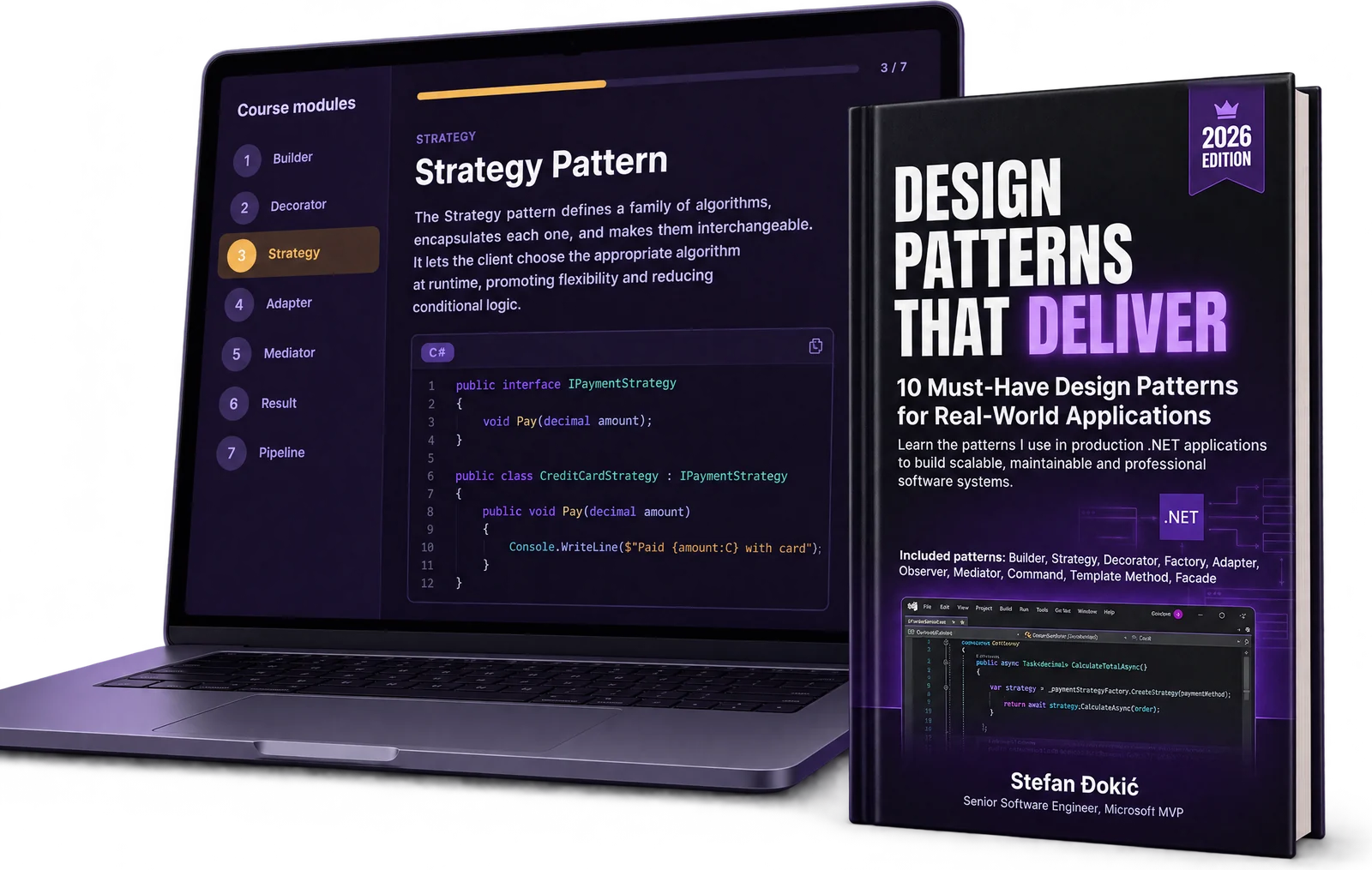
If you made it this far, you're clearly serious about writing better .NET code. Here's a 20% discount code: DEEP20 for Design Patterns that Deliver. Consider it a thank-you for actually reading the whole thing.
Here are 2 ebooks I have about design patterns:
Design Patterns that Deliver — 5 essential patterns (Builder, Decorator, Strategy, Adapter, Mediator) with production-ready C# code and real-world examples. Or try a free chapter on the Builder Pattern first.
Design Patterns Simplified — A beginner-friendly guide to understanding design patterns without the academic fluff.